
1. Navigate to Coaching Hub
2. Click "Head coach portal"

3. Click "Clients"
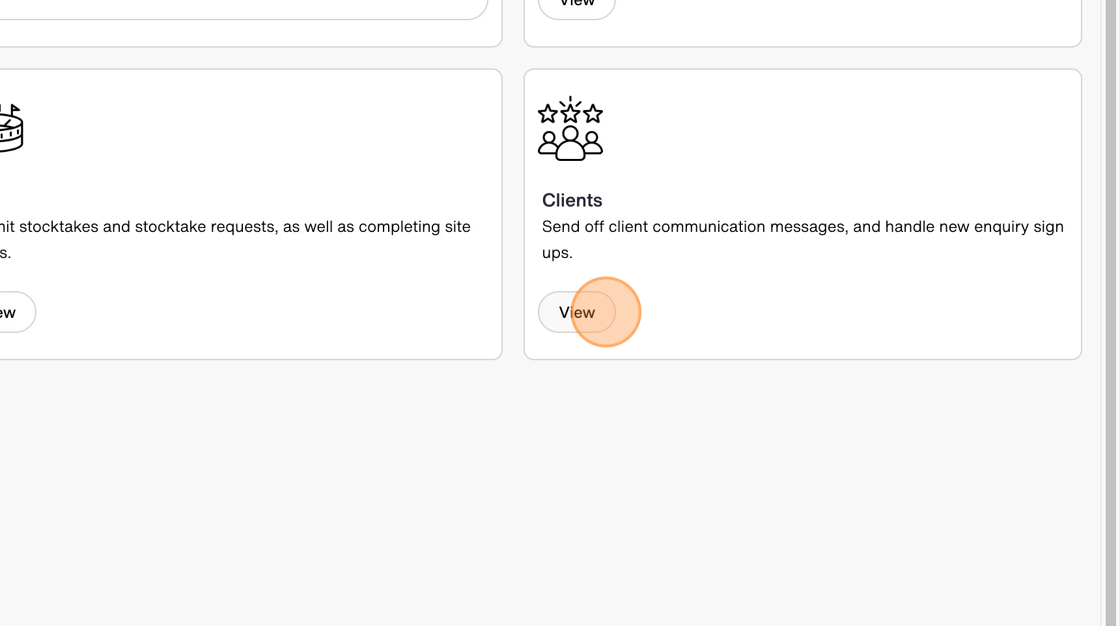
4. Click "Client communications" and select "Coach running late" message

5. Toggle the "Are you a franchisee?" on

6. Enter your franchise details

7. Select the estimated time of arrival
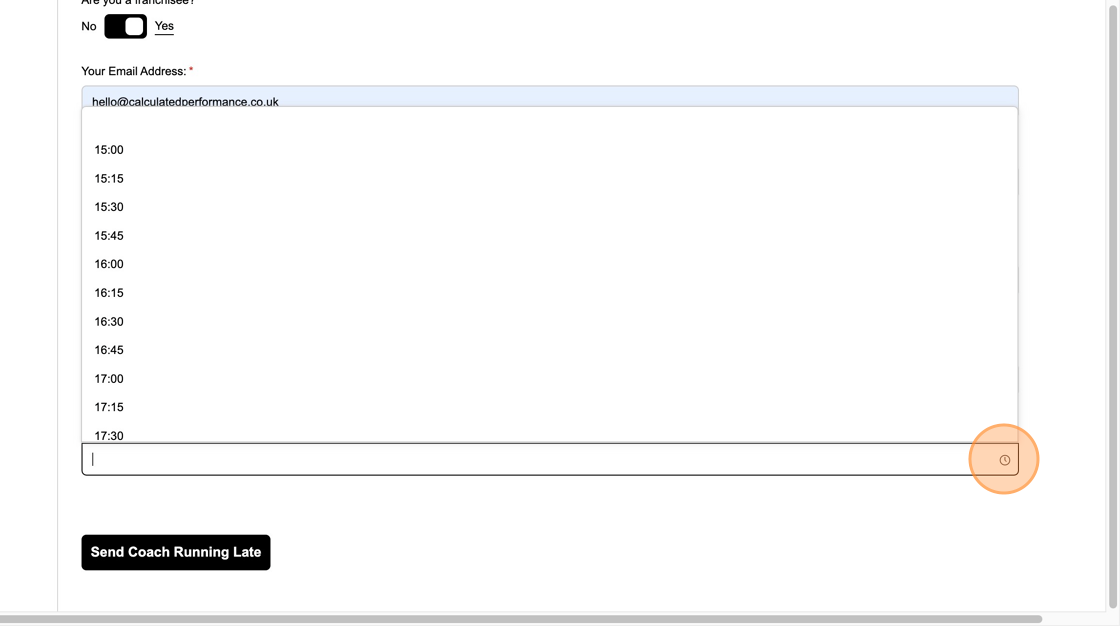
8. Click "Send Coach Running Late"

9. The client will then receive an email which looks like this:
