search
Submit Help Request
Help Desk
Submit Help Request
Fresha & Waiting Lists
Staff Management
Sales & POS
Marketing
Site Working Hours
Issuing Notices
Client Onboarding & Management
Inventory Management
Performance Reports
Emergency Procedures
Email Templates
more_horiz
Fresha & Waiting Lists
Staff Management
Sales & POS
Marketing
Site Working Hours
Issuing Notices
Client Onboarding & Management
Inventory Management
Performance Reports
Emergency Procedures
Email Templates
How to checkout a booking
1. Navigate to the booking and select it.
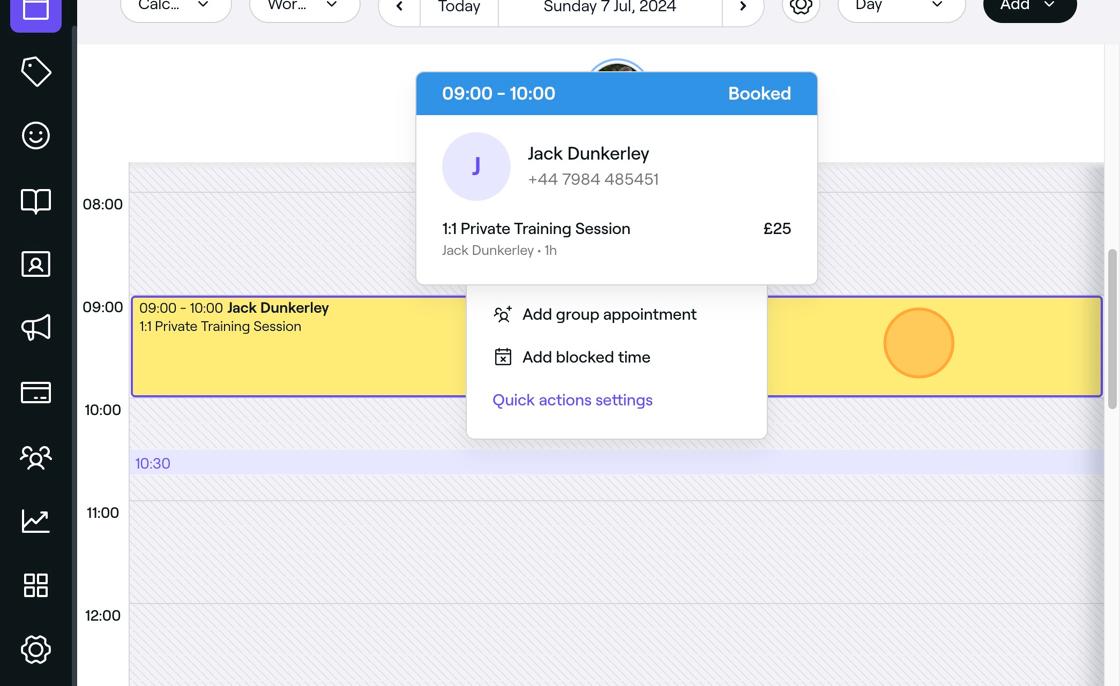
2. Click checkout.
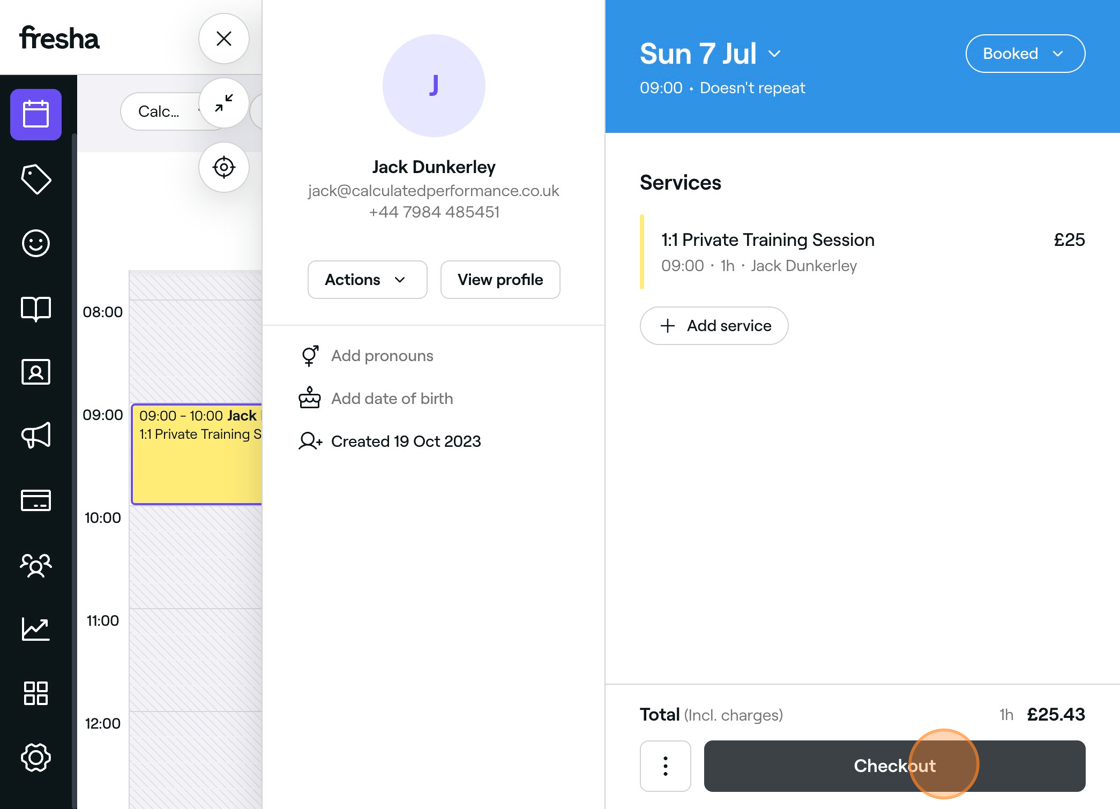
3. Select your payment method.
4. Click "Pay now".
5. If "Card Terminal" is selected, the card terminal will become active with the amount.
6. Click "X" to close the sale.
content_copy
Copy as Markdown
Articles in this category
Sending an invoice to the client after sale
Void sale on Fresha
How to refund a sale